How to Safely Store Your Family Memories After Digitization
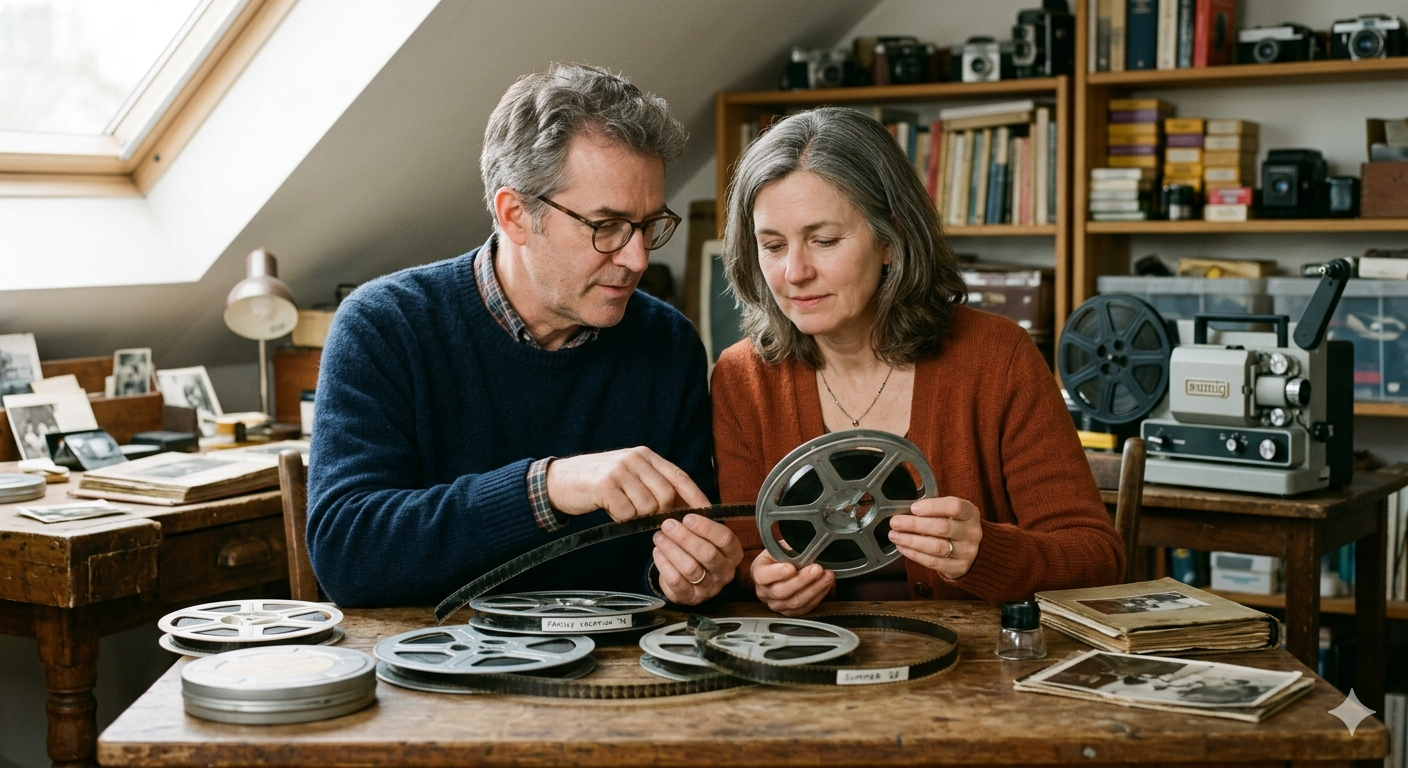
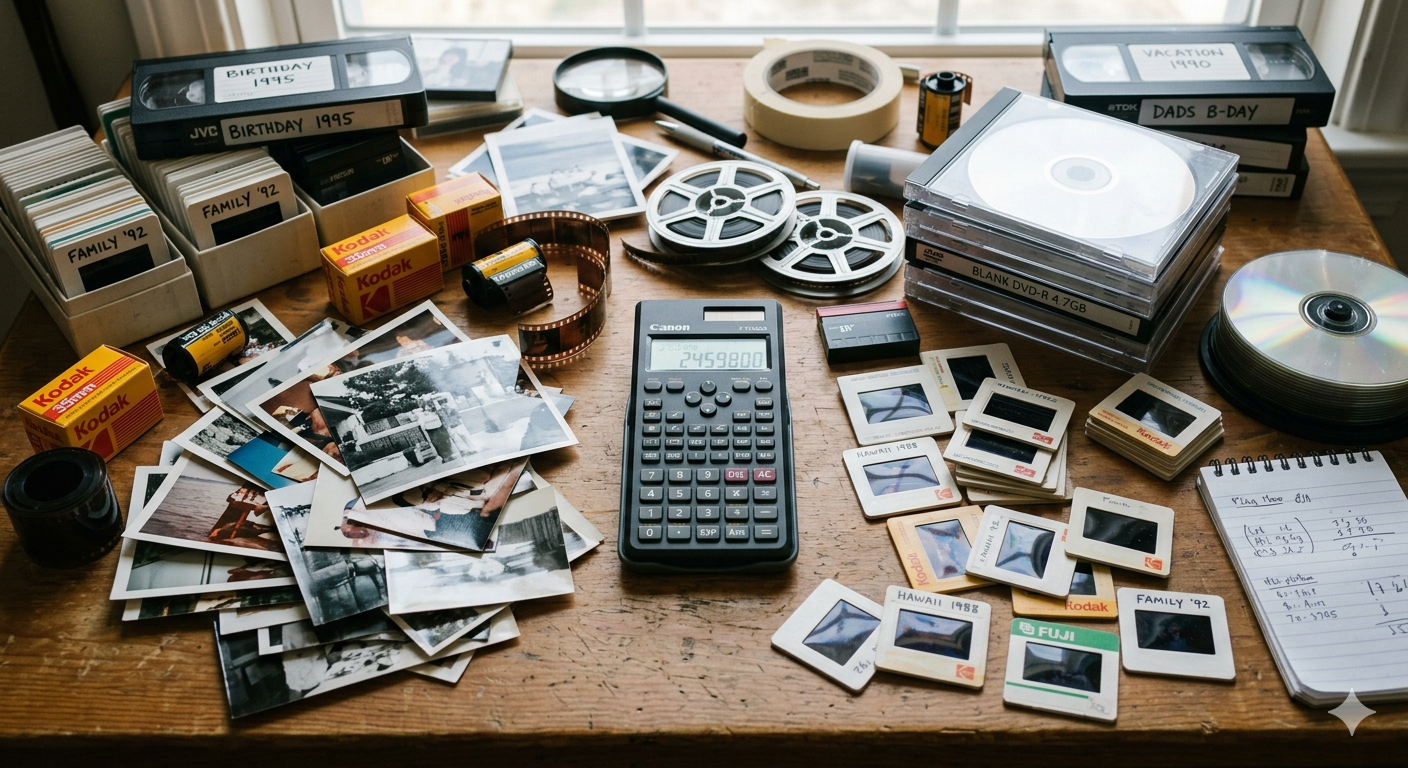
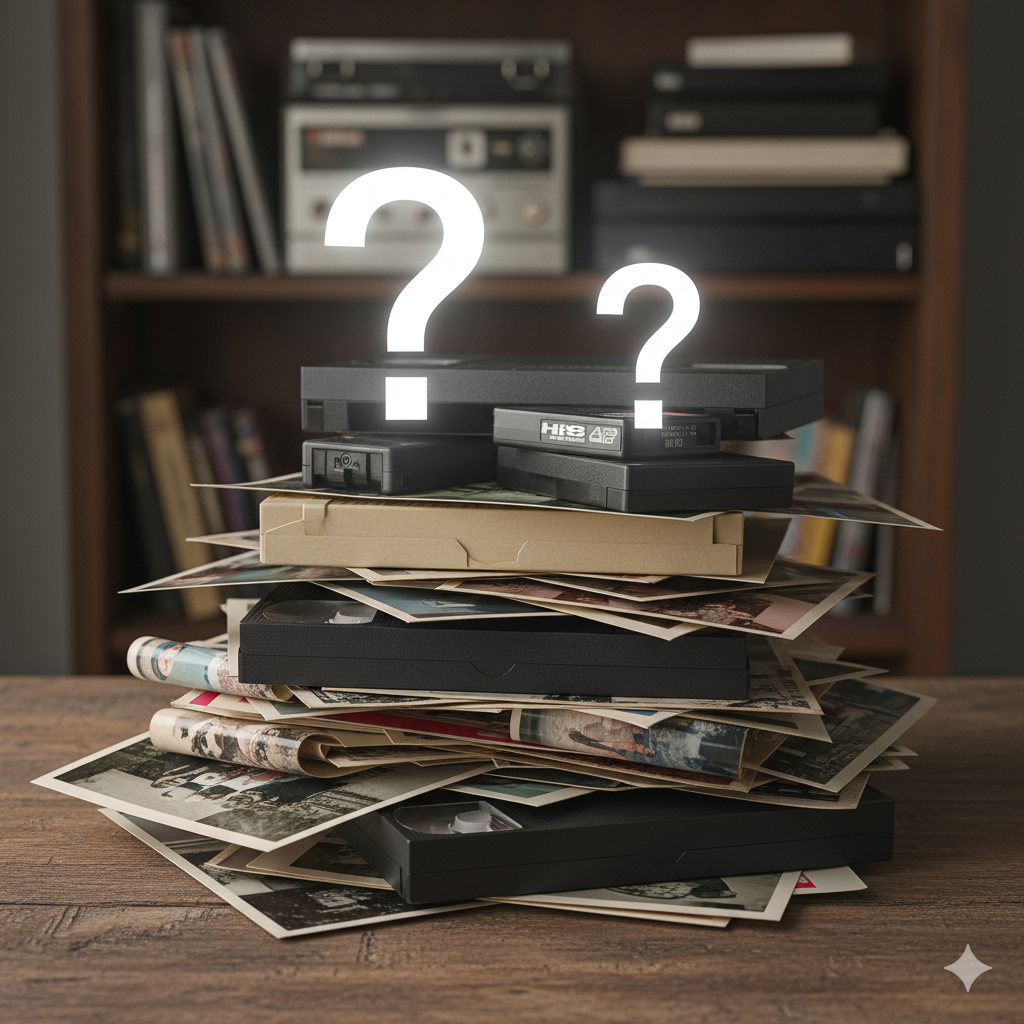
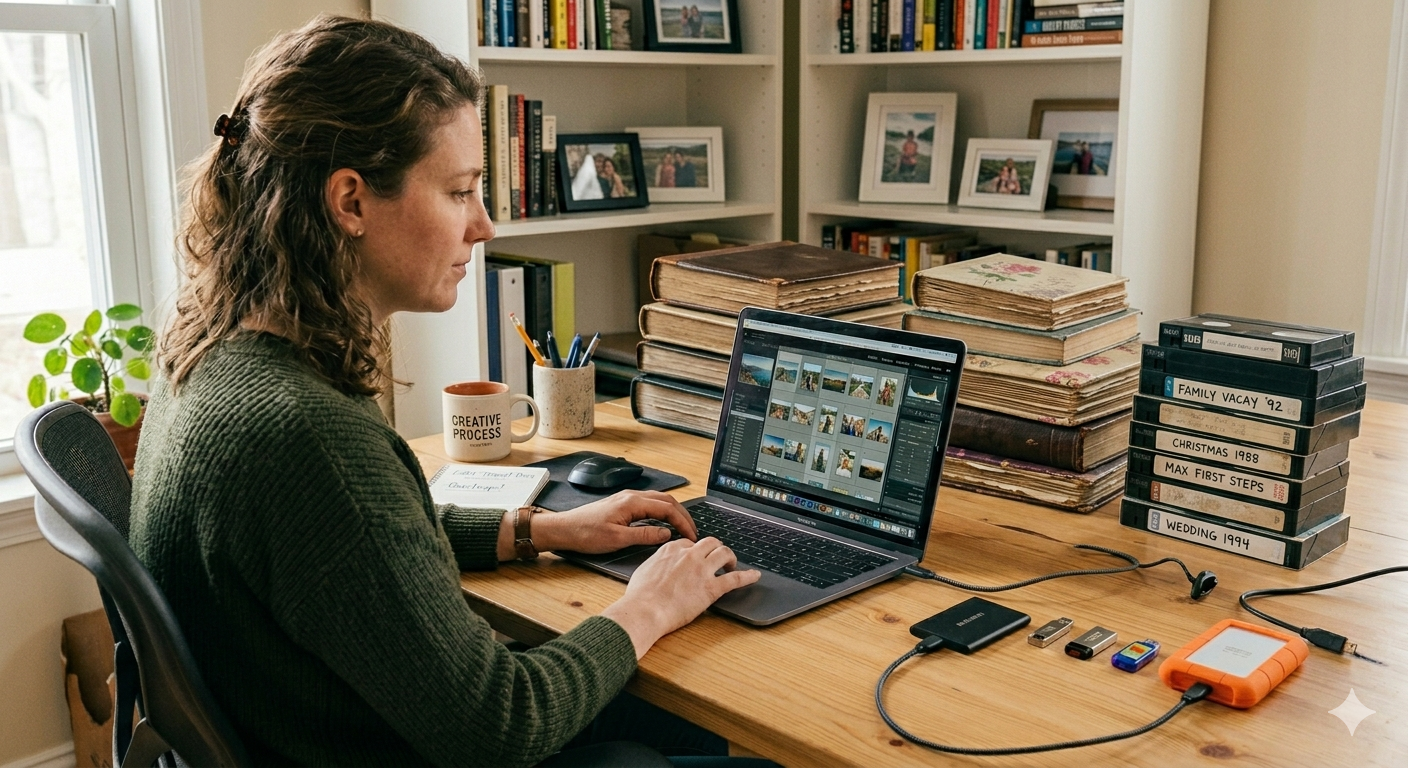
Old family memories are priceless. Whether it’s VHS tapes filled with childhood birthdays, photo albums passed down through generations, or home movies captured on camcorders, digitizing these memories is one of the best ways to preserve them for the future.
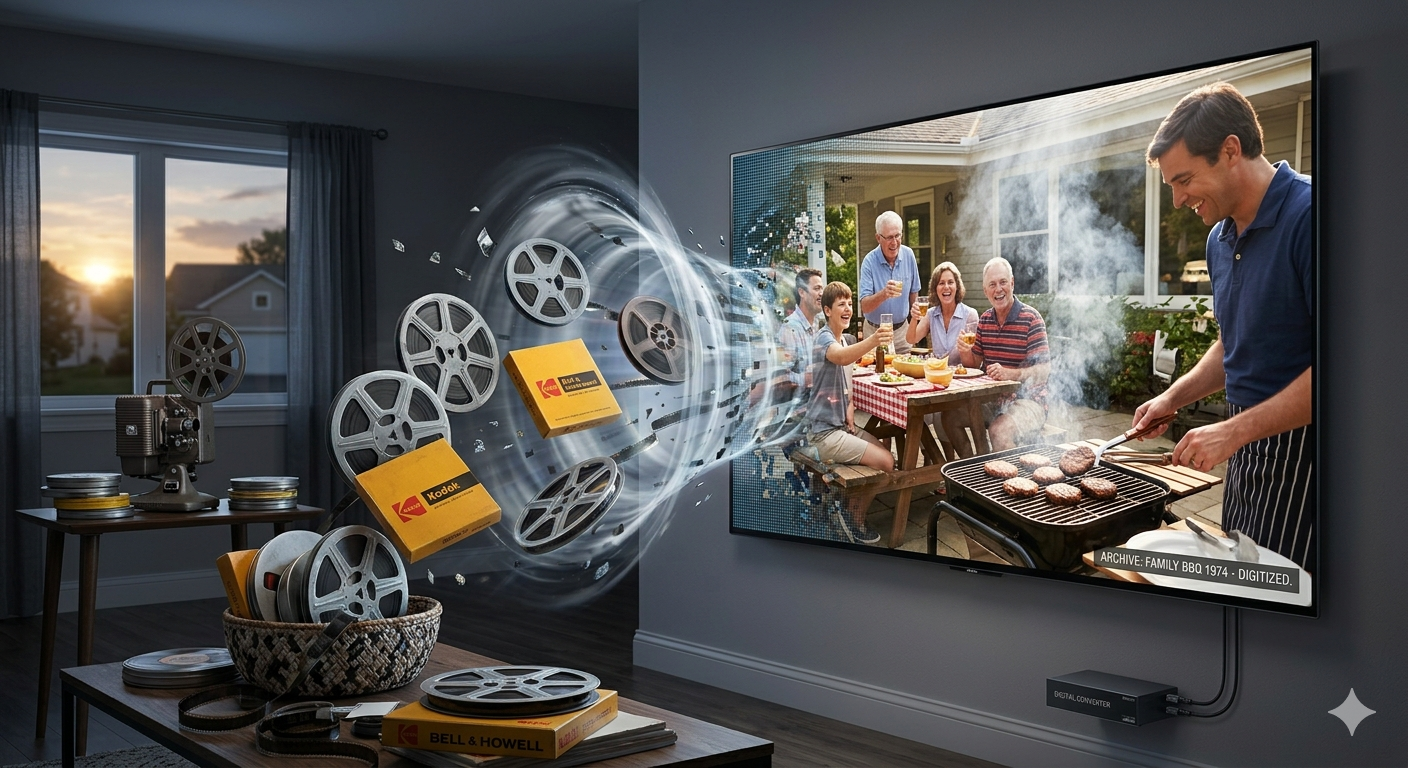
After your tapes, photos, slides, and film have been digitized by Scan5, the next step is making sure those digital memories stay safe, organized, and easy to enjoy for years to come.
For families looking for video tape transfer services in Chicago, photo scanning in Chicago, or VHS digitization near Chicago, understanding how to safely store your newly digitized files is just as important as the scanning process itself.
Here are the best ways to securely store your digitized family memories.
1. Store Copies in the Cloud
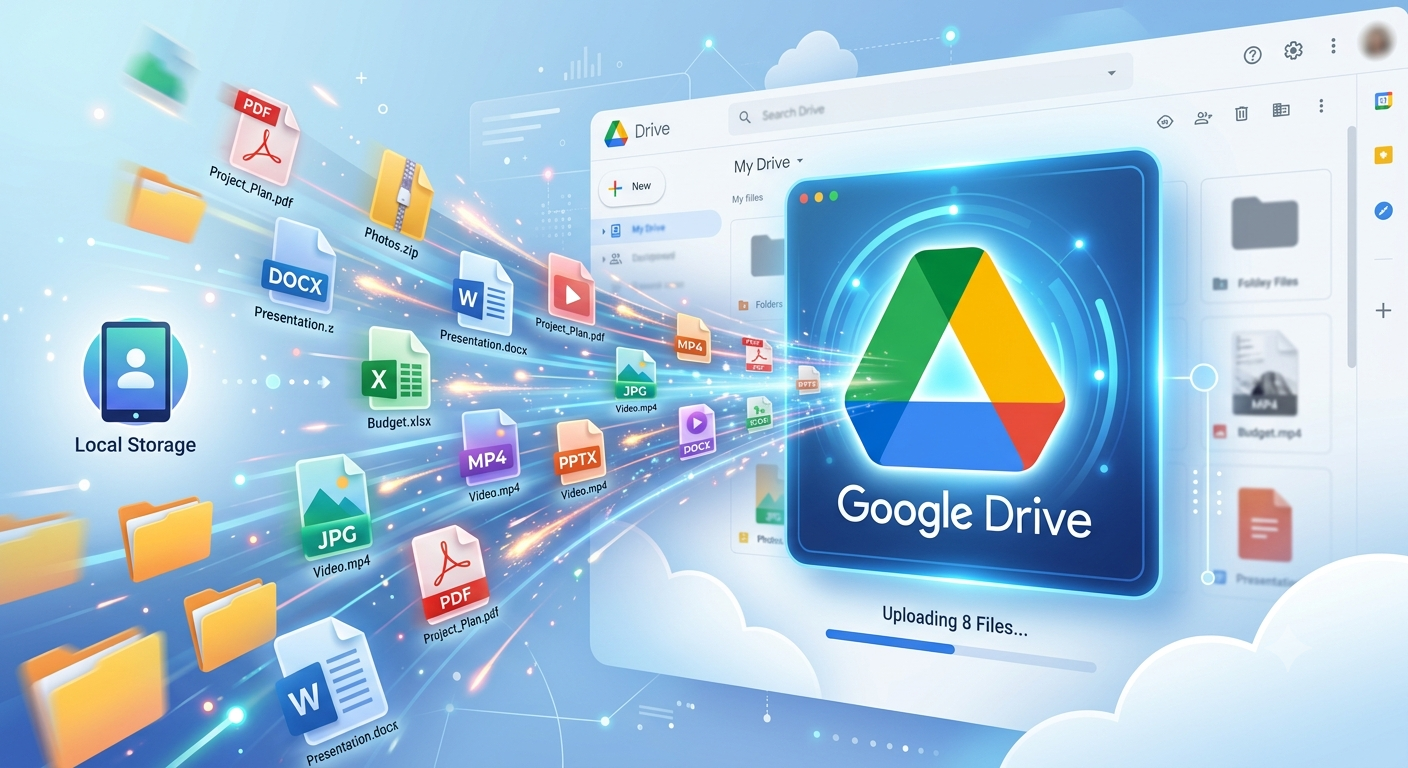
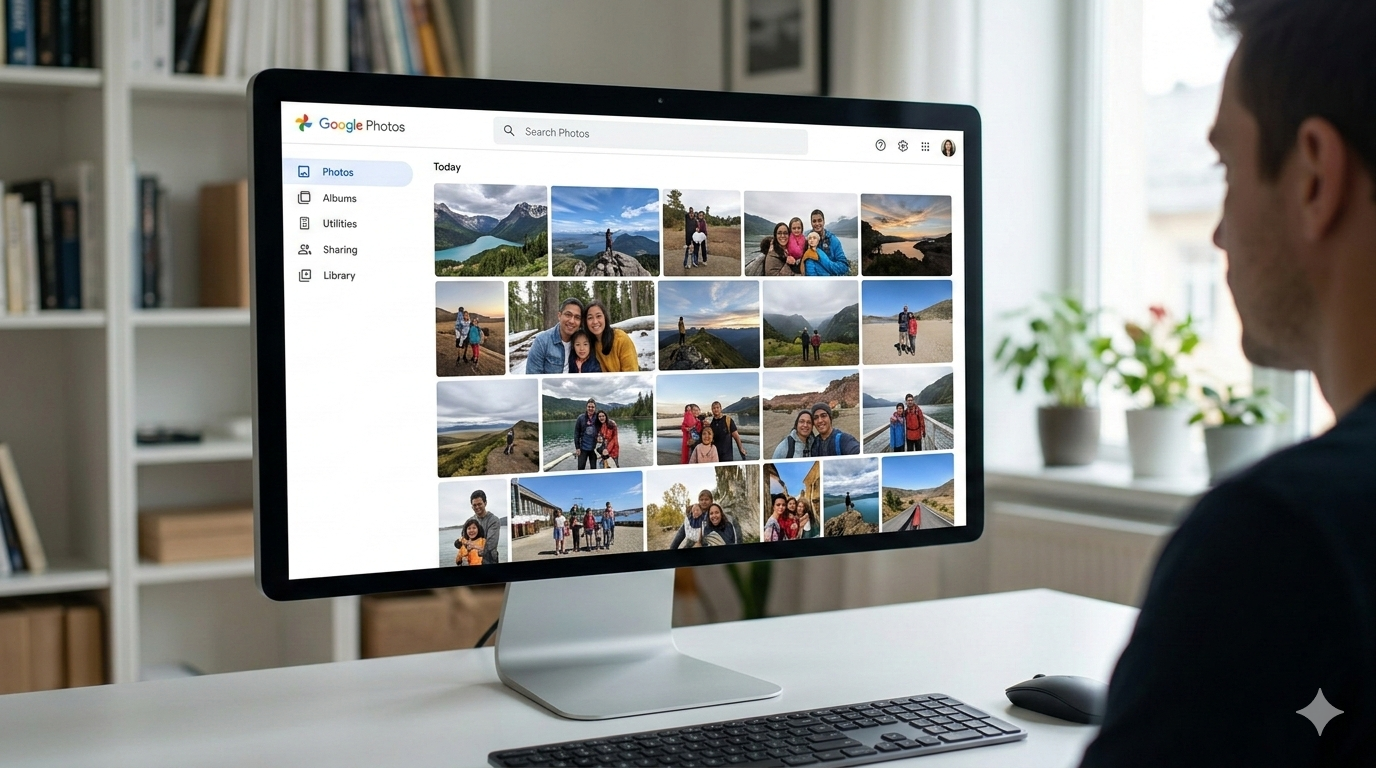
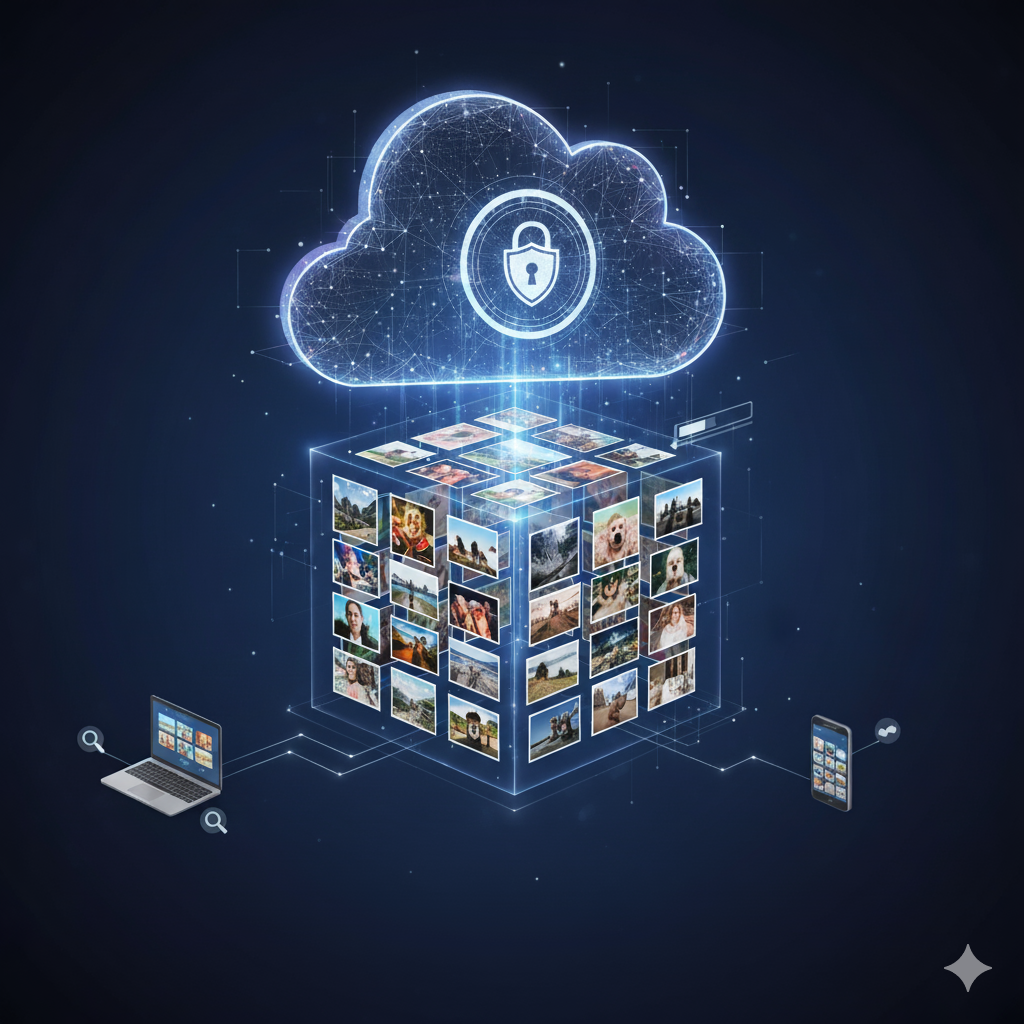
Cloud storage is one of the easiest and safest ways to protect family memories.
Instead of keeping files on a single computer that could fail or get damaged, cloud services store your memories securely online so you can access them anytime.
Great Cloud Storage Options
Why Cloud Storage Works Well
- Protects files if your computer crashes
- Lets you share memories with family members
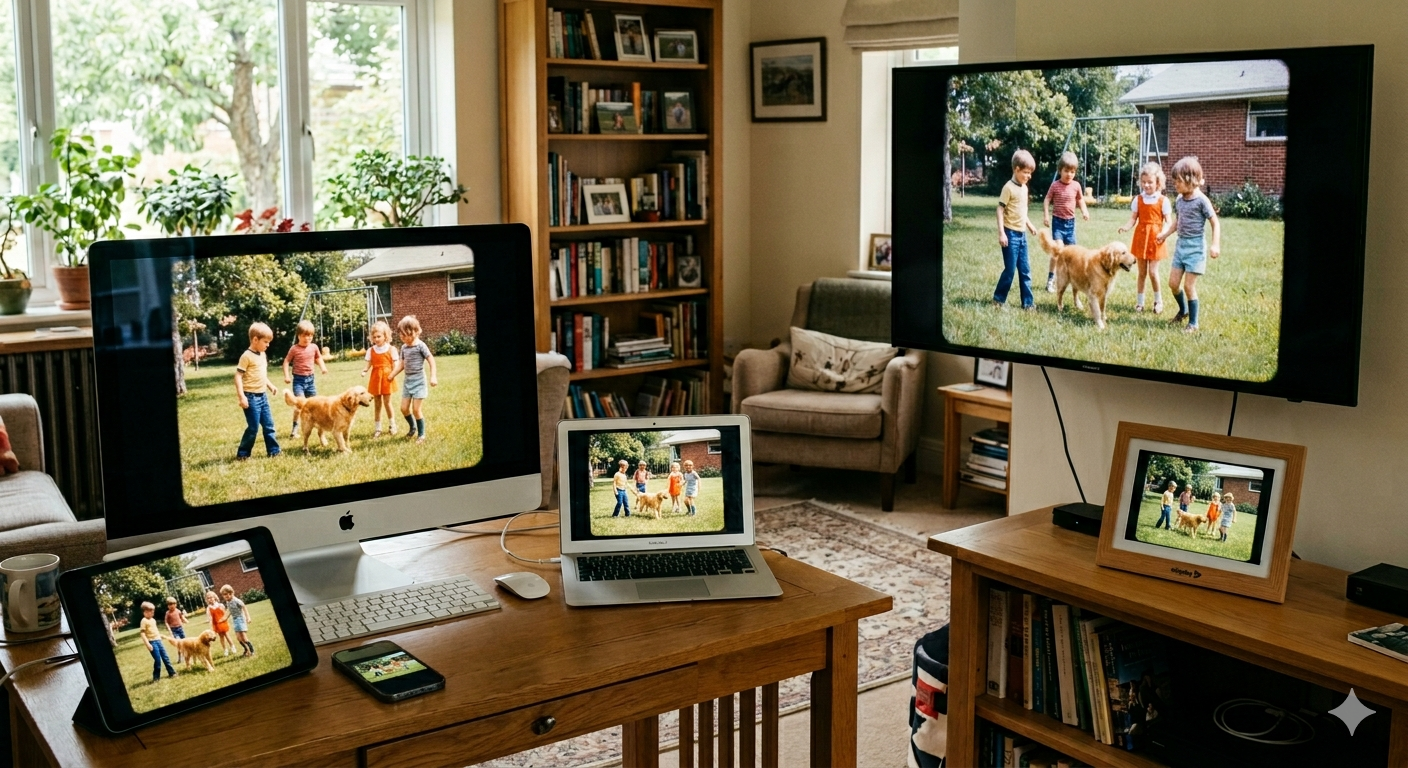
- Makes files accessible from phones, tablets, and computers
- Automatically backs up photos and videos
For families throughout the Chicago suburbs, cloud storage is one of the easiest ways to ensure old family videos and scanned photographs remain protected.
2. Keep a Backup on an External Hard Drive
Even if you use cloud storage, it’s smart to keep an offline backup too.
External hard drives provide a simple way to store large video files and photo collections safely at home.
Benefits
- Large storage capacity
- One-time cost
- Fast access to files
- Excellent for high-resolution video transfers
Helpful Tips
- Choose reliable brands
- Replace aging drives every few years
- Store drives somewhere cool and dry
- Label drives clearly by year or family archive
Popular drive manufacturers include:
Families searching for VHS to digital conversion in Chicago often receive their transferred files on external drives for easy long-term storage.
3. Follow the “3-2-1 Backup Rule”
One of the best ways to protect family memories is to follow a simple archival strategy called the 3-2-1 rule.
That means:
- Keep 3 copies of your memories
- Store them on 2 different types of media
- Keep 1 copy offsite
For example:
- One copy on your computer
- One copy on an external hard drive
- One copy in cloud storage
This protects your memories from:
- Hard drive failure
- Fire or flooding
- Accidental deletion
- Theft
- Ransomware attacks
This is especially important for irreplaceable memories like wedding videos, baby photos, and old camcorder tapes that many families in the Chicago area are now digitizing.
4. Organize Files Clearly
A well-organized archive makes it much easier for future generations to enjoy your memories.
Suggested Folder Structure
- Family Photos
- 1980s
- 1990s
- Holidays
- Weddings
- Home Videos
- Birthdays
- Vacations
- School Events
File Naming Tips
Use descriptive names like:
1994_Family_Reunion.mp4Grandma_Wedding_1962.jpgChristmas_2001.mov
Avoid names like:
video1.mp4scan0003.jpg
Good organization becomes incredibly valuable over time after completing photo scanning services in Chicago or digitizing large family archives.
5. Share Copies with Family Members
One of the safest ways to preserve family memories is to spread copies among trusted family members.
Consider sharing:
- Digital albums
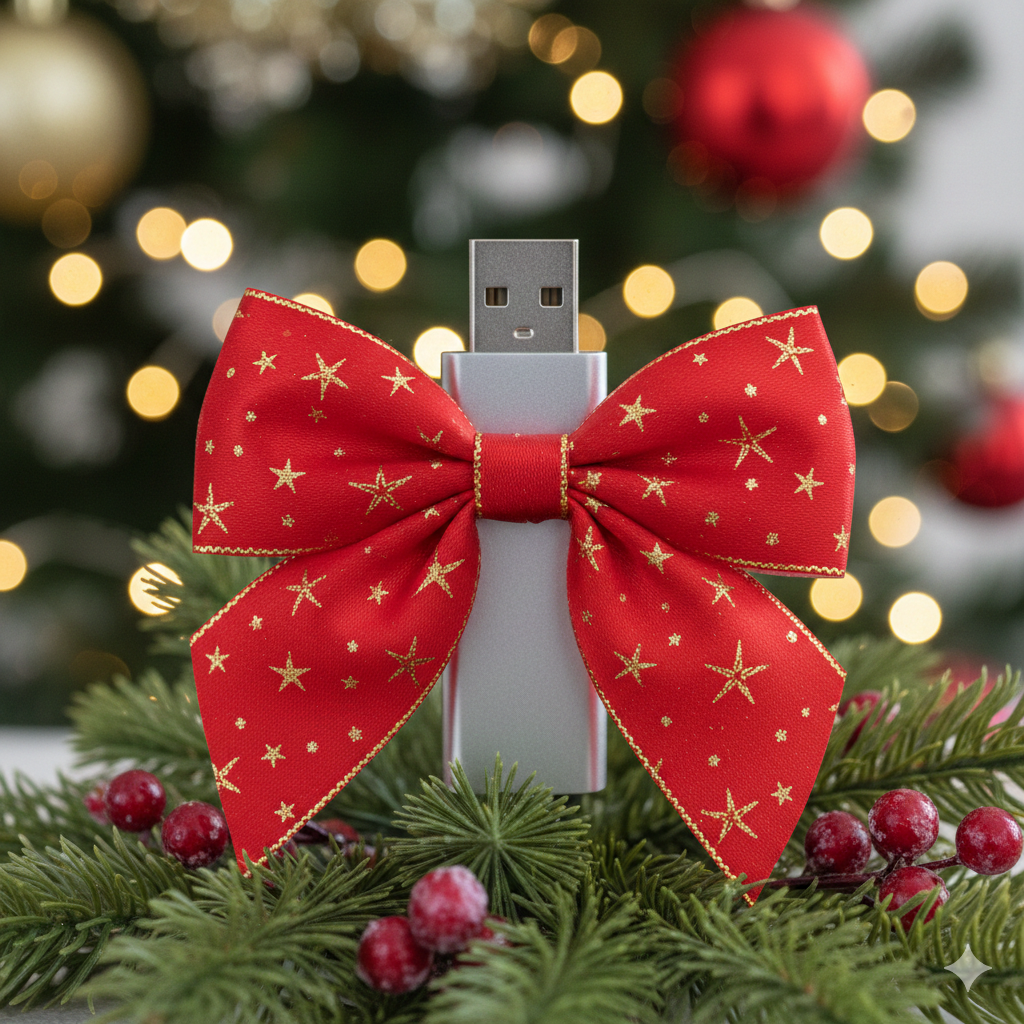
- USB drives
- Shared cloud folders
- Private family archives
This not only creates additional backups, but also helps preserve family history across generations.
For larger families spread throughout Chicago, Northbrook, Evanston, Glenview, and the North Shore suburbs, digital sharing makes it easy for everyone to access treasured memories.
6. Consider a NAS (Network Attached Storage) System
For families with very large collections of photos and videos, a NAS device can act like a private home media server.
Popular systems from:
allow you to:
- Store huge libraries of memories
- Stream videos throughout your home
- Automatically back up devices
- Share files securely with relatives
A NAS system is especially useful if you have many terabytes of home movies or high-resolution photo scans from old family collections.
7. Protect Files with Simple Security Measures
Family memories may not seem sensitive, but they’re still valuable.
Simple Security Best Practices
- Use strong passwords on cloud accounts
- Enable multi-factor authentication (MFA)
- Keep backups disconnected when not in use
- Avoid storing your only copy on a phone
A little security goes a long way toward preventing accidental loss.
8. Don’t Throw Away Originals Too Quickly
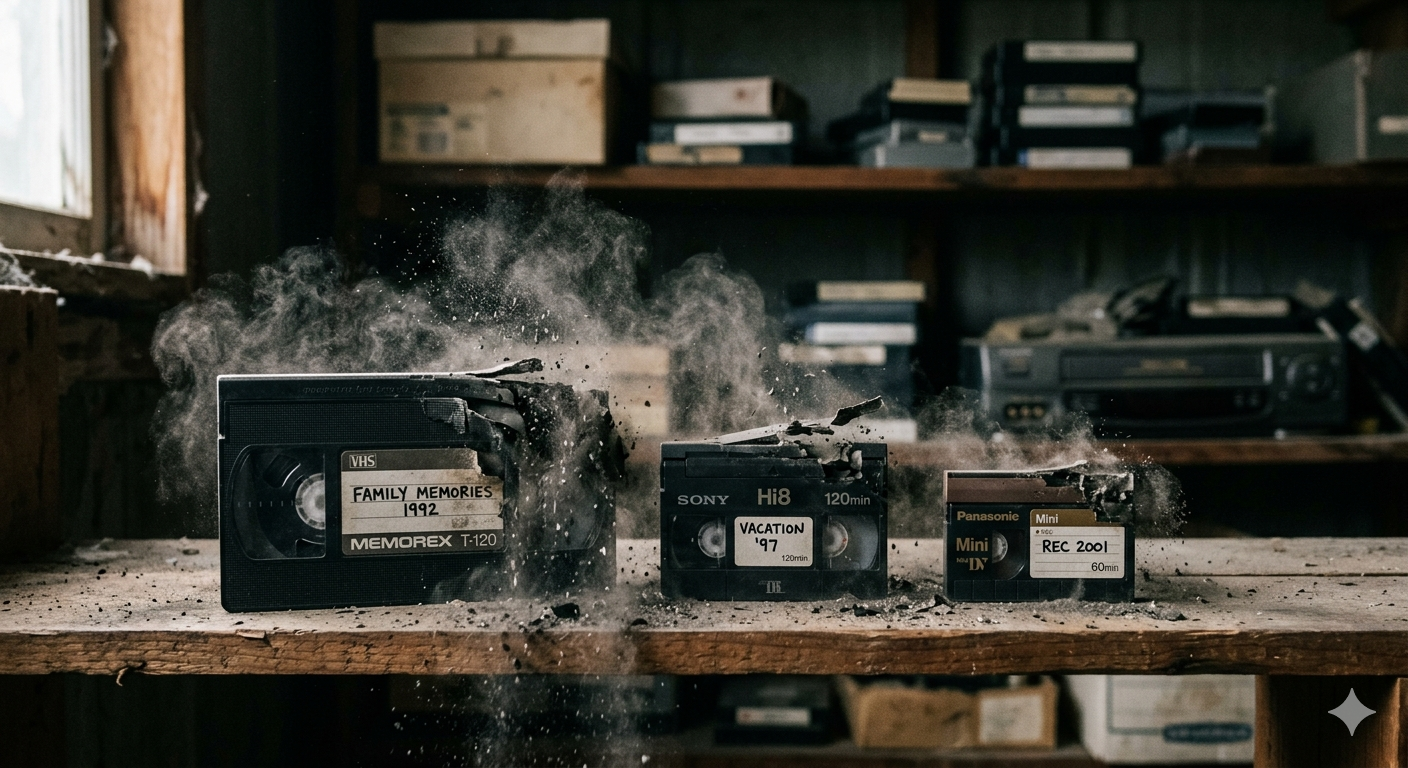
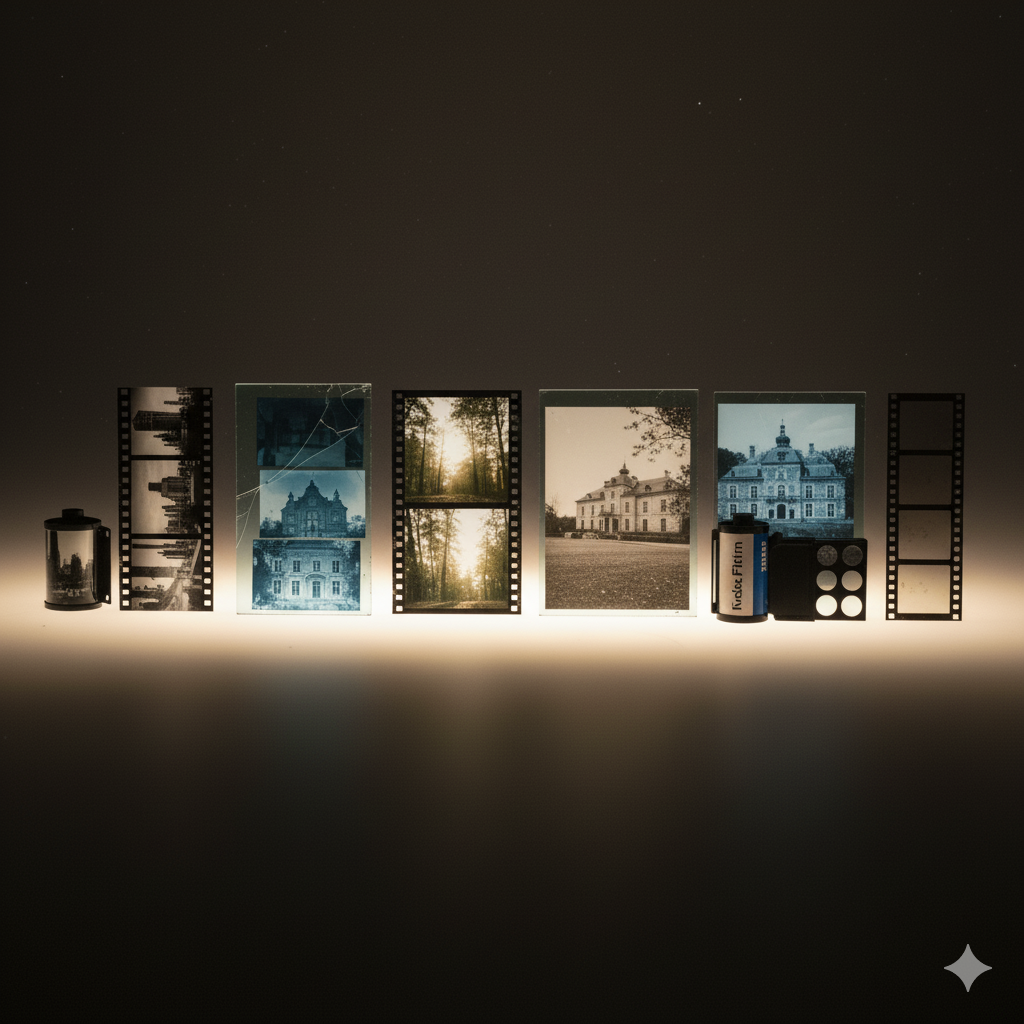
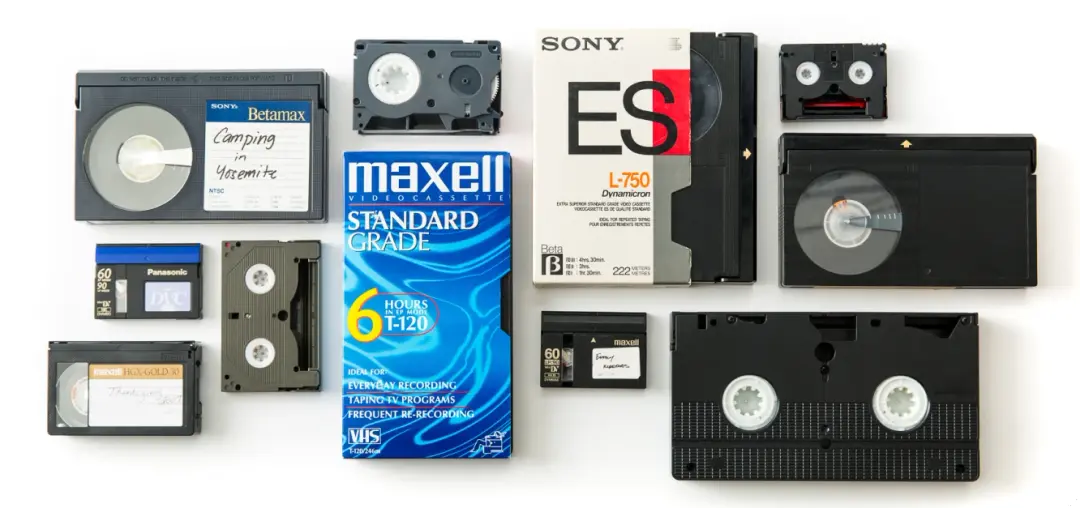
Even after digitization, it’s often wise to keep original tapes, photos, slides, or film safely stored if possible.
Digital files are excellent for access and sharing, but original media can still serve as a long-term backup or historical artifact.
Store originals:
- In cool, dry locations
- Away from sunlight and moisture
- In archival-safe containers
Families using video transfer services in Chicago should always keep original tapes whenever possible.
Preserve Your Memories for Future Generations
Digitizing family memories is one of the best investments you can make in preserving your personal history. But proper storage is what ensures those memories remain safe and accessible for decades to come.
By combining cloud storage, physical backups, organization, and secure sharing practices, you can confidently protect your family archive for future generations.
At Scan5, we help families preserve their memories through:
- VHS to digital conversion
- Video tape transfers
- Photo scanning
- Slide and negative scanning
- Film digitization services in Chicago
Whether you’re in downtown Chicago or nearby suburbs like Northbrook, Skokie, Wilmette, or Highland Park, Scan5 helps families safely preserve and protect their most meaningful memories for generations to come.